 Vortia 3D
 for companies
A single licence for your design office and your sales team, with reports and plans in your company’s name.
Who it is for
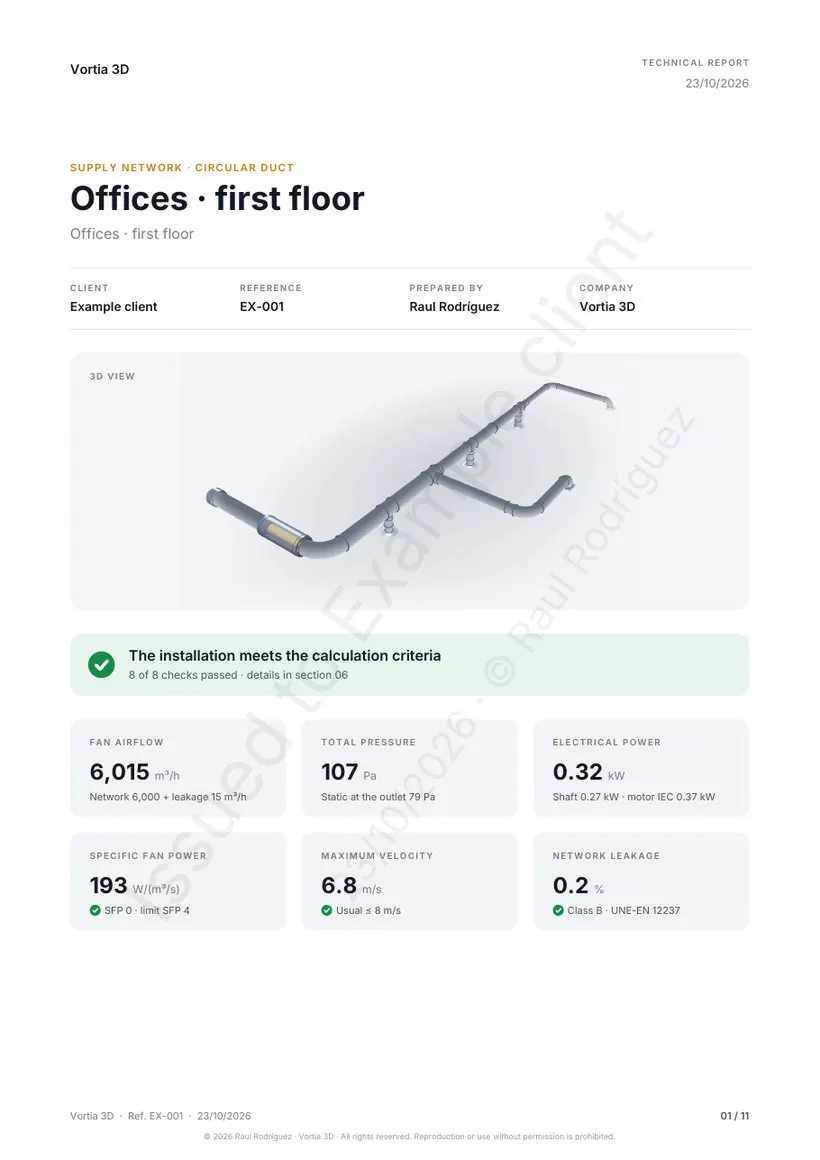
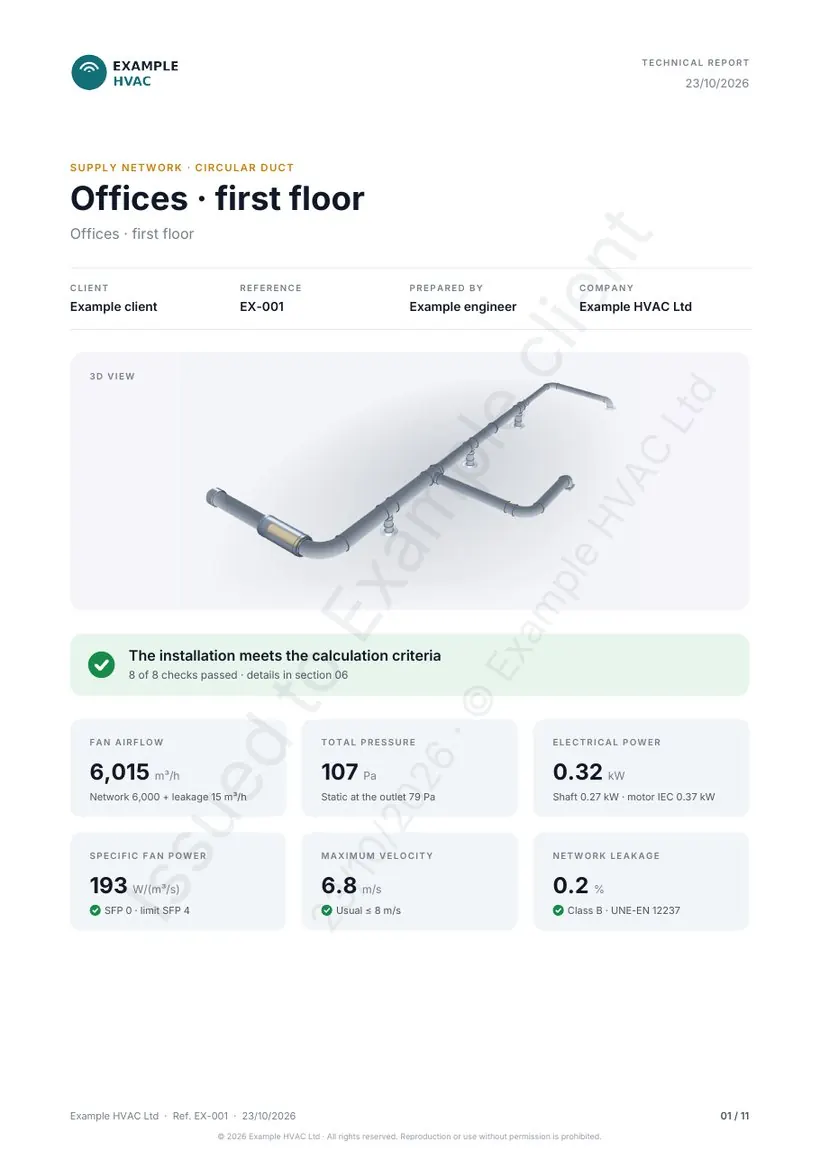
- Ventilation and HVAC installers: the engineer calculates, the supervisor sees it in 3D and the client receives a report with your logo.
- Engineering consultancies and design offices: several designers with the same tool and the same report format.
- Building services distributors: the sales team gives the installer the network calculation and the bill of materials for the quote.
What is included
- Everything in the Pro plan: technical report in PDF, scaled A3 plan, DXF for CAD and results and materials in CSV.
- AI design reports for the whole team: 100 a month per technician, editable and included in the report with your logo.
- 4, 6 or 10 technicians, each with their own account, on any computer, with projects shared in the company cloud. The admin invites and removes technicians from the app.
- Your logo on every page of the report and on the A3 plan, without the Vortia 3D branding.
- Priority email support: Master enquiries are answered first.
- VAT invoice in the company’s name: the VAT number is requested at checkout.
Price
| Licence | Annual price + VAT | Buy |
|---|---|---|
| 4 technicians | Buy | |
| 6 technicians | Buy | |
| 10 technicians | Buy |
Launch price until 31 December 2026: if you subscribe now, you keep it at every renewal. From 2027, €699, €949 and €1,399 per year.
Prices exclude VAT. No minimum term: cancel whenever you like from the Lemon Squeezy customer portal, which handles payment and invoices.
How to get started
- Choose the number of technicians and pay by card with Lemon Squeezy.
- Whoever pays signs in to the app with the same email: that account becomes Master and the company admin.
- From “Account”, invite each technician by email. Each technician takes one seat and has Master on any device with their account.
- Projects saved in “My projects” are shared with the whole team. Each person uploads the logo once in the report details.
The app is easy to pick up: you have the case studies and calculators to get started, and email support for everything else.
Your data
Each technician signs in with their Instal Studio account (email and password or code). Projects are saved in their browser and, if left on, in the company cloud so they are on every device and shared with the team; the background plan (PDF or image) stays in the browser. Only if someone asks for the AI design report are the results of that calculation sent to draft it.